Game Development Fundamentals
Building Interactive Games with Turtle
In the previous unit, we covered project management with Poetry. Now we're shifting back to Turtle graphics to explore game development concepts that we'll use in the final unit to build Snake.
Multiple Turtle Instances
Games need multiple objects on screen. Turtle lets you create and control them independently:
import turtle

player1 = turtle.Turtle()
player2 = turtle.Turtle()

player1.forward(100)
player2.left(90)
player2.forward(100)
The Game Loop
Every game has a loop that keeps it running. The loop handles input, updates state, and renders graphics on each cycle. Here's a basic structure in Turtle:
import turtle

screen = turtle.Screen()
turtle.tracer(n=1, delay=17)  # ~60fps

running = True
player = turtle.Turtle()

def quit_game():
    global running
    running = False

screen.onkey(quit_game, "q")
screen.listen()

def update_game():
    pass  # Update positions, check collisions, etc.

while running:
    update_game()
    screen.update()
The tracer call sets the refresh rate. The loop continues until something (like pressing 'q') sets running to False. Always provide a way to exit gracefully.
Managing Game State
Game state includes positions, scores, health, and any other data that changes during play. Organizing this into classes keeps the code clean:
class Player:
    def __init__(self, turtle):
        self.turtle = turtle
        self.score = 0
        self.health = 100
        self.position = (0, 0)

    def move(self, x, y):
        self.position = (x, y)
        self.turtle.setpos(x, y)

    def take_damage(self, amount):
        self.health -= amount
        if self.health < 0:
            self.health = 0

    def add_score(self, points):
        self.score += points
This encapsulates all player-related data and behavior in one place.
Collision Detection
Games need to know when objects touch. Turtle's distance method makes this straightforward:
def check_collision(obj1, obj2, threshold=20):
    return obj1.distance(obj2) < threshold
When objects are closer than the threshold, they're "colliding." What happens next depends on your game: collecting items might add points, hitting obstacles might reduce health.
Project: Collect the Stars
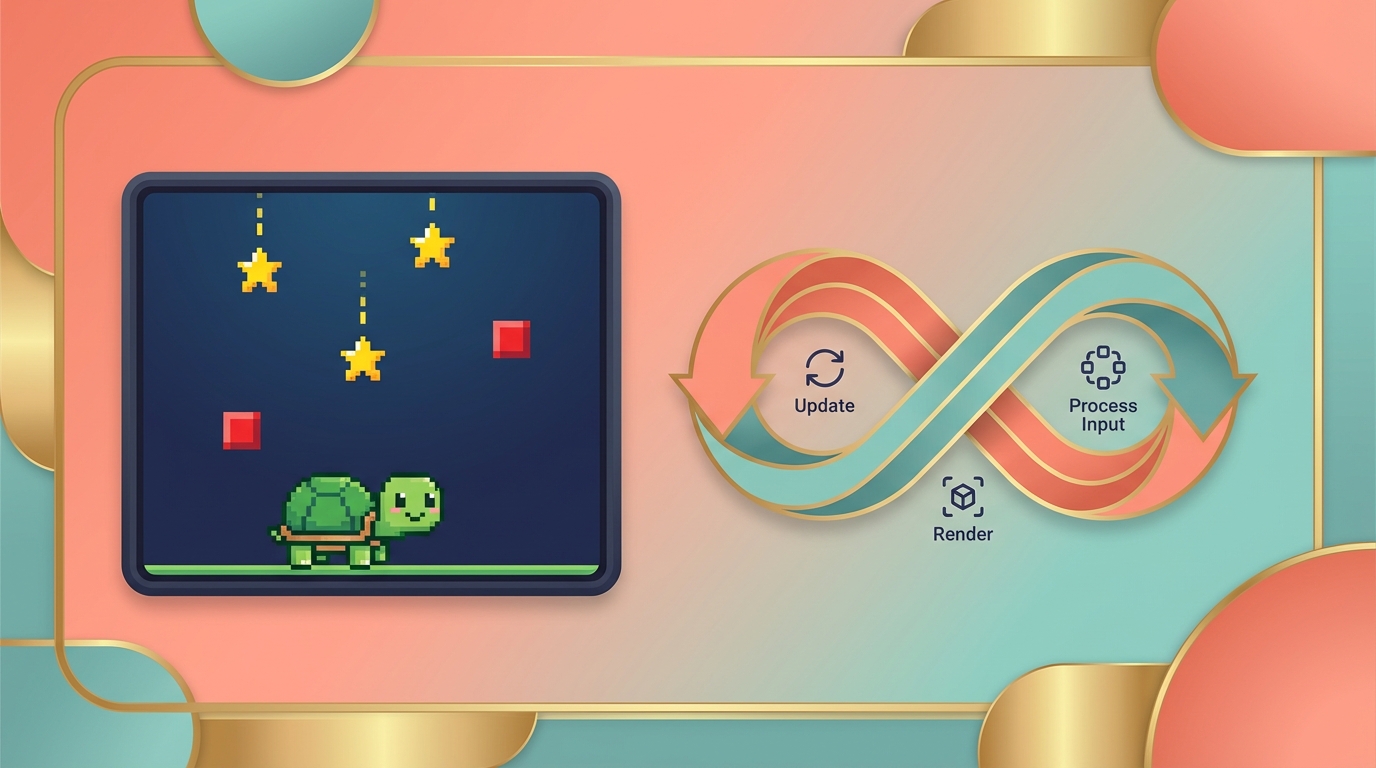
Let's build a game where stars and obstacles fall from the top of the screen. The player moves left and right to collect stars while avoiding obstacles.
import turtle
import random

class Player:
    def __init__(self, turtle):
        self.turtle = turtle
        self.turtle.shape("turtle")
        self.turtle.color("white")
        self.turtle.penup()
        self.turtle.goto(0, -250)
        self.score = 0
        self.health = 100

    def move_left(self):
        x = self.turtle.xcor()
        self.turtle.setx(x - 20)

    def move_right(self):
        x = self.turtle.xcor()
        self.turtle.setx(x + 20)

    def take_damage(self, amount):
        self.health -= amount
        if self.health < 0:
            self.health = 0

# Set up the game window
screen = turtle.Screen()
screen.bgcolor("black")
screen.title("Collect the Stars")
screen.setup(width=800, height=600)
turtle.tracer(n=1, delay=17)

# Create the player
player_turtle = turtle.Turtle()
player = Player(player_turtle)

# Keyboard bindings
screen.listen()
screen.onkey(player.move_left, "Left")
screen.onkey(player.move_right, "Right")

# Create stars
stars = []
for _ in range(10):
    star = turtle.Turtle()
    star.speed(0)
    star.shape("circle")
    star.color("yellow")
    star.penup()
    star.goto(random.randint(-390, 390), random.randint(150, 290))
    stars.append(star)

# Create obstacles
obstacles = []
for _ in range(5):
    obstacle = turtle.Turtle()
    obstacle.speed(0)
    obstacle.shape("square")
    obstacle.color("red")
    obstacle.penup()
    obstacle.goto(random.randint(-390, 390), random.randint(150, 290))
    obstacles.append(obstacle)

# Score display
score_display = turtle.Turtle()
score_display.color("white")
score_display.penup()
score_display.goto(0, 260)
score_display.hideturtle()
score_display.write(f"Score: {player.score} Health: {player.health}",
                    align="center", font=("Arial", 24, "normal"))

def move_objects():
    for star in stars:
        y = star.ycor() - 20
        star.sety(y)
        if y < -300:
            star.goto(random.randint(-390, 390), random.randint(150, 290))

    for obstacle in obstacles:
        y = obstacle.ycor() - 20
        obstacle.sety(y)
        if y < -300:
            obstacle.goto(random.randint(-390, 390), random.randint(150, 290))

def update_display():
    score_display.clear()
    score_display.write(f"Score: {player.score} Health: {player.health}",
                        align="center", font=("Arial", 24, "normal"))

def check_star_collision():
    for star in stars:
        if player.turtle.distance(star) < 20:
            player.turtle.color("green")
            screen.update()
            star.goto(random.randint(-390, 390), random.randint(150, 290))
            player.score += 10
            update_display()
            player.turtle.color("white")

def check_obstacle_collision():
    for obstacle in obstacles:
        if player.turtle.distance(obstacle) < 20:
            player.take_damage(20)
            update_display()
            if player.health <= 0:
                game_over()
                return True
    return False

def game_over():
    player.turtle.goto(0, 0)
    player.turtle.color("red")
    player.turtle.write("Game Over", align="center", font=("Arial", 36, "bold"))

# Game loop
running = True
while running:
    move_objects()
    check_star_collision()
    if check_obstacle_collision():
        running = False
    screen.update()

turtle.done()
The game creates falling stars and obstacles. Collecting stars adds points; hitting obstacles reduces health. When health reaches zero, the game ends.
Try modifying the code: make stars fall faster than obstacles, change the collision distance, or add more visual feedback when collecting items.
In the next unit, we'll use these fundamentals to build Snake.