Variables and Data Types
Storing Information in Python
In the previous unit, we set up Python and drew our first shapes with Turtle. Now it's time to understand how Python stores information. Variables and data types are the building blocks of every program you'll write.
How Python Programs Work
Python programs run from top to bottom, line by line. The structure is straightforward, but there's one thing that catches people at first: indentation matters. The spaces at the beginning of lines aren't just for readability. They tell Python which lines belong together as a group. We'll see this more when we get to loops and functions, but it's worth knowing from the start.
Programs contain a few types of statements: assignments (like x = 5), control statements (like if and for), function calls, and imports. You can also add comments to explain your code. Comments start with # and Python ignores them when running.
# This is a comment
x = 5  # This is an inline comment
Variables
Variables are containers that hold values. You give them names, and then you can use those names to retrieve or change the values they hold. In Python, you assign a value to a variable with the = operator.
message = "Hello, Python!"
age = 17
pi = 3.14159
Here, message, age, and pi are variables holding a string, an integer, and a float, respectively. The names you choose should describe what they contain. age is better than a.
Data Types
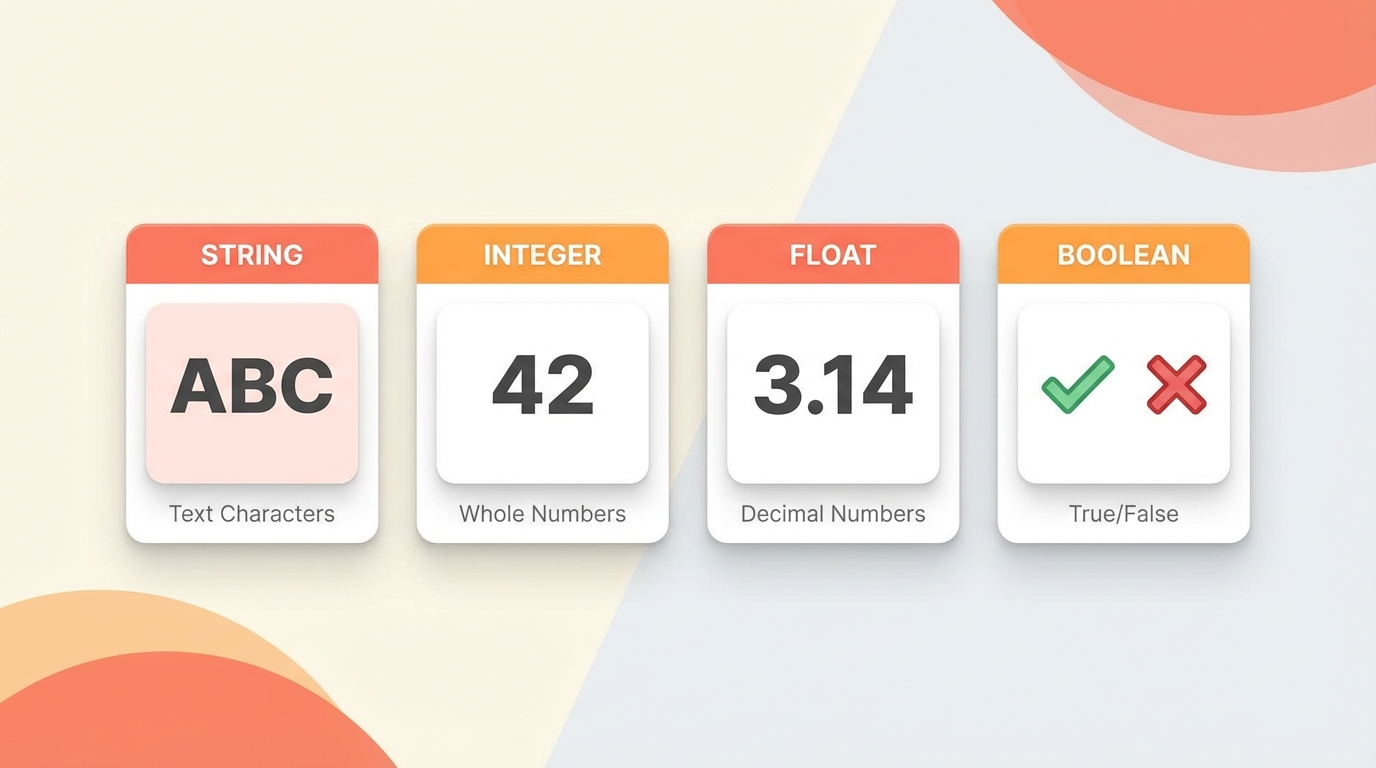
Python has several built-in data types. We'll focus on the four most common ones.
Strings represent text. You wrap them in single or double quotes.
greeting = "Hello, world!"
Integers are whole numbers. No decimal point.
count = 10
Floats are numbers with decimal points.
price = 19.99
Booleans represent true or false. Python uses True and False (capitalized).
is_sunny = True
Basic Operations
You can do math with integers and floats: addition, subtraction, multiplication, division.
num1 = 10
num2 = 20
total = num1 + num2  # 30
With strings, the + operator joins them together. This is called concatenation.
greeting = "Hello"
name = "Alice"
message = greeting + ", " + name + "!"  # "Hello, Alice!"
Booleans are used for making decisions in your code. You can combine them with and, or, and not, and you can create them through comparisons like ==, <, and >. We'll explore these operations in detail in the next unit when we cover operators.
Project: Draw a Shape Based on User Input
Let's put this together. We'll ask the user how many sides they want, then draw that shape with Turtle.
import turtle

# Create a new turtle screen and set its background color
screen = turtle.Screen()
screen.bgcolor("white")

# Create a new turtle and assign it to a variable called "t"
t = turtle.Turtle()

# Ask the user for the number of sides. Whatever the user
# enters will be assigned to the variable "response".
response = input("Enter the number of sides: ")

# The result of input() is always a string, so we use int()
# to convert it to an integer.
num_sides = int(response)

# Draw a shape based on the number of sides
for _ in range(num_sides):
    t.forward(100)              # Move forward by 100 units
    t.right(360 / num_sides)    # Rotate clockwise

# We're done, so let's wait until the window is closed
turtle.done()
When you run this, the Terminal panel will prompt you to enter a number. Type a number, hit Enter, and watch the shape appear.
Notice how we used int(response) to convert the input. The input() function always returns a string, even if the user types a number. To do math with it, we need to convert it to an integer. This kind of type conversion comes up often.
In the next unit, we'll dig into operators and boolean logic.