Built-in Functions
Tools That Come with Python
In the previous unit, we made our Turtle programs interactive with keyboard and mouse events. Now let's explore Python's built-in functions, tools that are always available without importing anything.
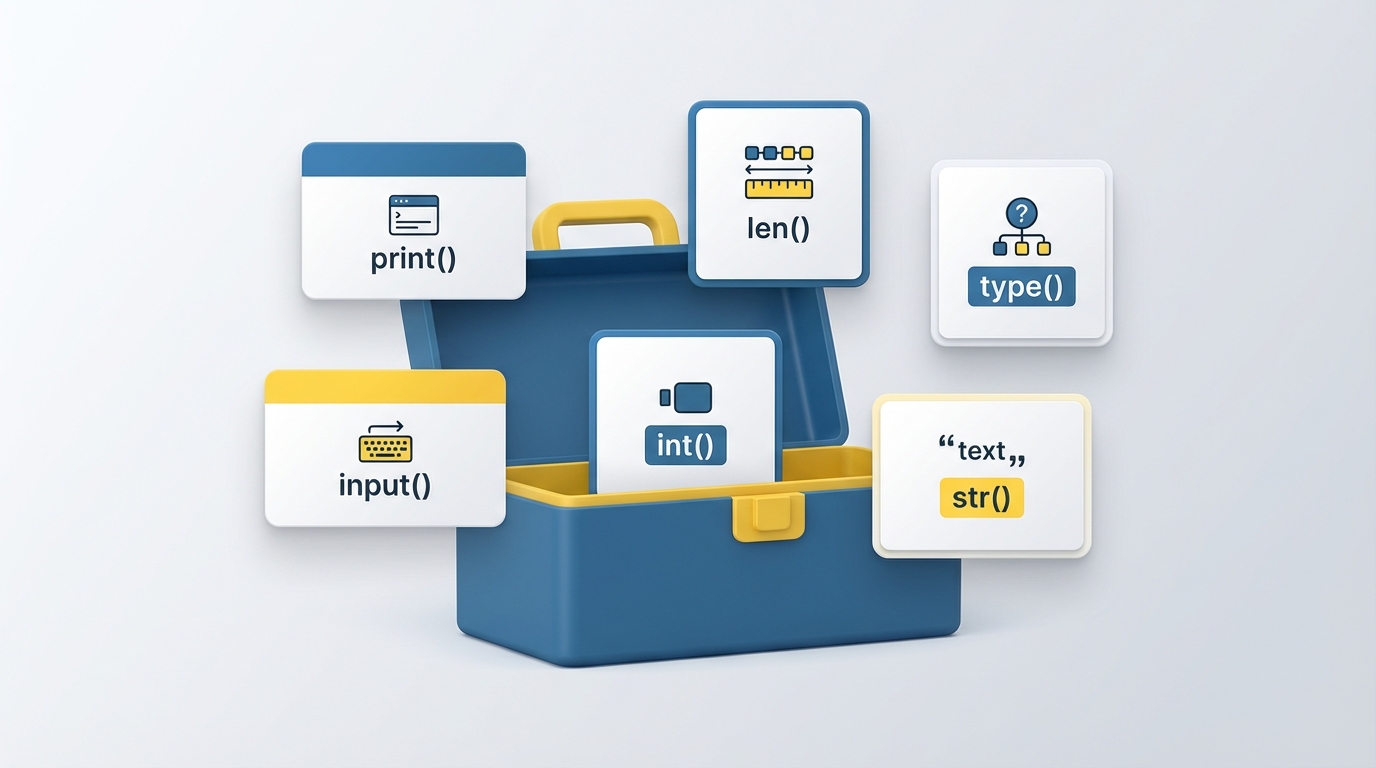
What Are Built-in Functions?
Python comes with functions ready to use the moment you start coding. You've already seen some of them: print() outputs text, len() counts items. These are built-in functions, part of Python itself with no imports required.
The full list lives in the Python documentation. When you need information about any function, you can also use help(). Pass the function name without parentheses, and Python prints a description of what it does and how to use it.
help(print)
Common Built-in Functions
Here are the ones you'll use most often.
print() outputs text to the screen. Any object gets converted to a string automatically.
print("Hello, World!")
len() returns the number of items in a sequence or collection.
print(len("Hello, World!")) # Outputs: 13
type() tells you what kind of object you're working with.
print(type("Hello, World!")) # Outputs: <class 'str'>
input() pauses the program and waits for the user to type something. Whatever they enter comes back as a string.
name = input("Enter your name: ")
print(f"Hello, {name}!")
Type Conversion
Python provides functions to convert values between types. Each returns a new object of the target type.
int() converts to an integer.
print(int("123")) # Outputs: 123
float() converts to a floating-point number.
print(float("123.45")) # Outputs: 123.45
str() converts to a string.
print(str(123)) # Outputs: "123"
These are essential when working with user input, which always arrives as a string.
Project: Color Picker with Input
Let's add user input to our interactive Turtle program. The user can press "c" to type a color name, and the turtle changes color.
import turtle

screen = turtle.Screen()
screen.bgcolor("white")

t = turtle.Turtle()

def move_forward():
    t.forward(100)

def move_backward():
    t.backward(100)

def turn_left():
    t.left(90)

def turn_right():
    t.right(90)

def move_to(x, y):
    t.goto(x, y)

def change_color():
    color = input("Enter a color: ")
    t.color(color)

screen.onkey(move_forward, "Up")
screen.onkey(move_backward, "Down")
screen.onkey(turn_left, "Left")
screen.onkey(turn_right, "Right")
screen.onkey(change_color, "c")
screen.onscreenclick(move_to)

screen.listen()
turtle.done()
The change_color function uses input() to prompt for a color name. When you press "c", the terminal asks for input, and the turtle updates its color to whatever you type: "red", "blue", "purple", anything Turtle recognizes.
Try extending this: use int() to convert user input into a number of steps, or use len() to validate that color names aren't too long.
In the next unit, we'll explore string operations and learn how to manipulate text in Python.