File Operations
Reading and Writing Data in Python
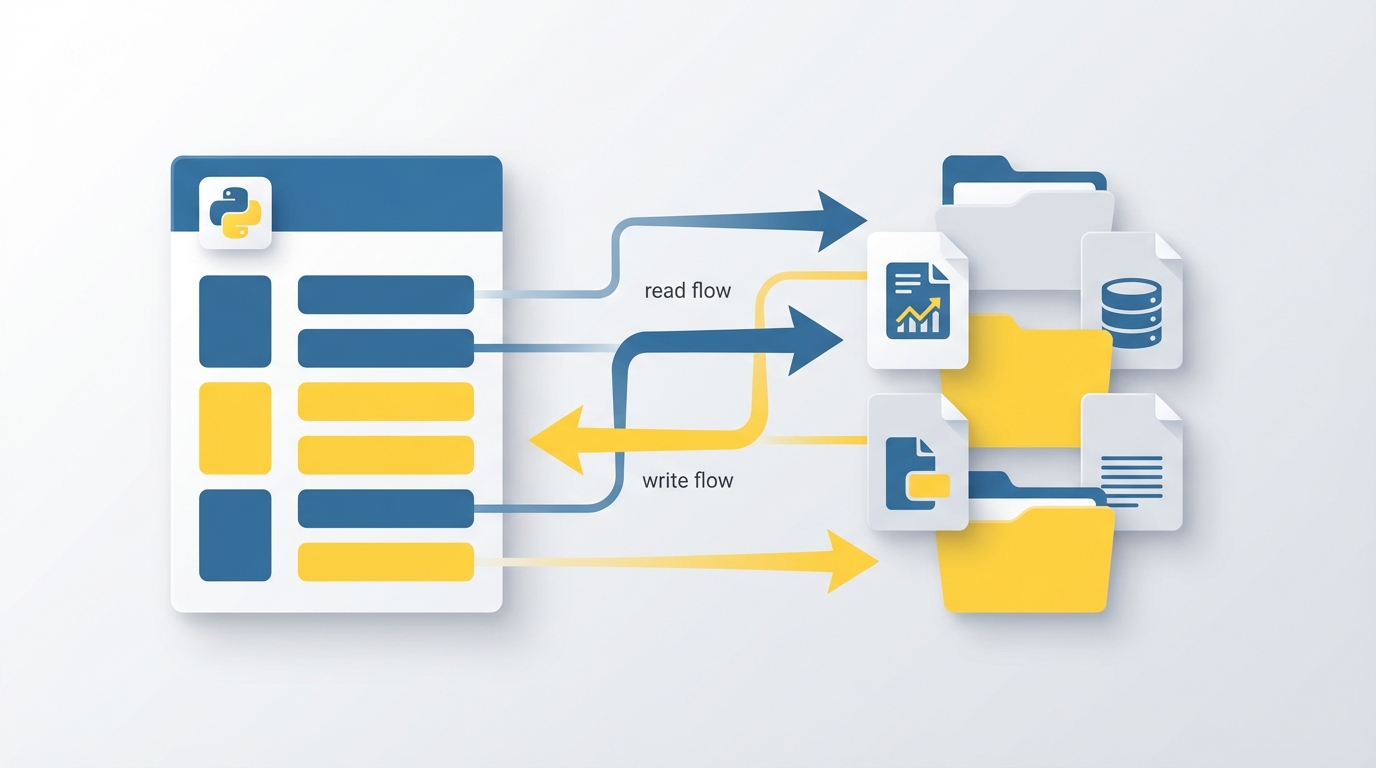
In the previous unit, we learned about dictionaries. Now let's explore file operations: how to read data from files and write data to files so your programs can persist information.
Reading Files
To read a file, use open() with mode 'r' for reading:
file = open('myfile.txt', 'r')
content = file.read()
print(content)
file.close()
Always close files when you're done. A cleaner approach uses the with statement, which closes the file automatically:
with open('myfile.txt', 'r') as file:
    content = file.read()
    print(content)
Writing Files
Use mode 'w' to write. This creates the file if it doesn't exist, or overwrites it if it does:
with open('myfile.txt', 'w') as file:
    file.write('Hello, World!')
To add to an existing file without erasing its contents, use mode 'a' for append:
with open('myfile.txt', 'a') as file:
    file.write('\nAppended text.')
Working with CSV Files
CSV (Comma Separated Values) files store tabular data as plain text. Each line is a row, and commas separate the values. Python's csv module makes working with them straightforward.
Reading a CSV file:
import csv

with open('data.csv', 'r') as file:
    reader = csv.reader(file)
    for row in reader:
        print(row)
Writing to a CSV file:
import csv

data = [['Name', 'Age'], ['Alice', 30], ['Bob', 25]]

with open('data.csv', 'w', newline='') as file:
    writer = csv.writer(file)
    writer.writerows(data)
Project: Save and Load Drawings
Let's combine file operations with Turtle graphics. This program saves the turtle's coordinates to a CSV file when you press "s" and reloads a saved drawing when you press "l".
import turtle
import csv

screen = turtle.Screen()
screen.bgcolor("white")

t = turtle.Turtle()
coordinates = []

def move_forward():
    t.forward(100)
    coordinates.append((t.xcor(), t.ycor()))

def move_backward():
    t.backward(100)
    coordinates.append((t.xcor(), t.ycor()))

def turn_left():
    t.left(90)

def turn_right():
    t.right(90)

def move_to(x, y):
    t.goto(x, y)
    coordinates.append((x, y))

def save_coordinates():
    with open('drawing.csv', 'w', newline='') as file:
        writer = csv.writer(file)
        writer.writerows(coordinates)
    print("Coordinates saved!")

def load_drawing():
    t.reset()
    coordinates.clear()
    with open('drawing.csv', 'r') as file:
        reader = csv.reader(file)
        for row in reader:
            x, y = map(float, row)
            t.goto(x, y)
            coordinates.append((x, y))
    print("Drawing loaded!")

screen.onkey(move_forward, "Up")
screen.onkey(move_backward, "Down")
screen.onkey(turn_left, "Left")
screen.onkey(turn_right, "Right")
screen.onkey(save_coordinates, "s")
screen.onkey(load_drawing, "l")
screen.onscreenclick(move_to)

screen.listen()
turtle.done()
The program tracks every position the turtle visits in the coordinates list. When you press "s", save_coordinates() writes that list to drawing.csv. When you press "l", load_drawing() reads the file and replays each position with goto(), recreating the drawing.
Try drawing something, saving it, closing the program, reopening it, and loading your saved drawing.
In the next unit, we'll start exploring Object-Oriented Programming (OOP) in Python.