Creating Modules
Organizing Code into Reusable Files
In the previous unit, we explored recursion. Now let's learn how to organize code into modules, separate files that you can import and reuse across projects.
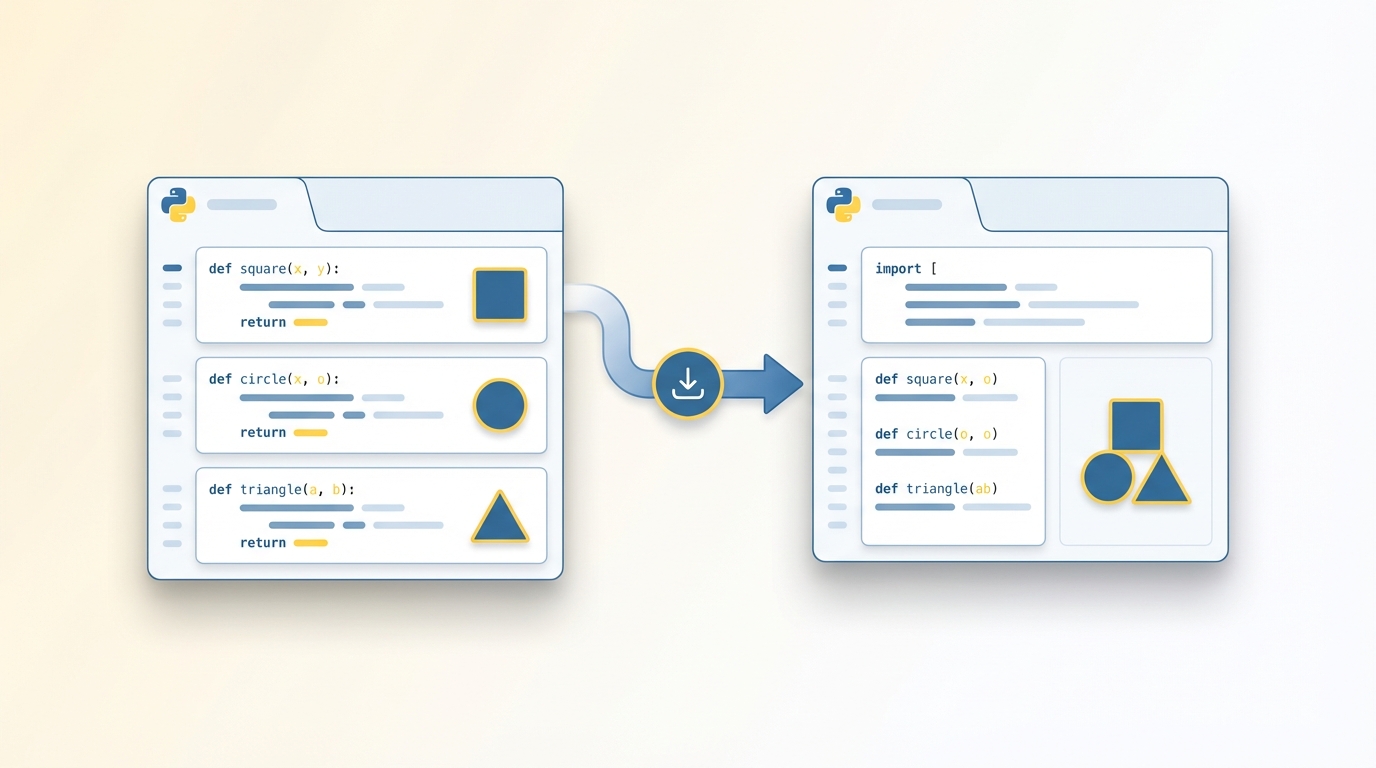
What Is a Module?
A module is simply a Python file containing code you want to reuse. Any .py file can be a module. When you import it, you gain access to all its functions, classes, and variables.
You've already used modules. Remember import turtle? That's Python's built-in turtle module. Now you'll create your own.
Creating Your First Module
Let's make a module for drawing shapes. Create a file called shape_utils.py:
# shape_utils.py
def draw_square(t, size):
    for _ in range(4):
        t.forward(size)
        t.right(90)

def draw_triangle(t, size):
    for _ in range(3):
        t.forward(size)
        t.right(120)
Now create another file in the same directory to use it:
# main.py
import turtle
import shape_utils

t = turtle.Turtle()
shape_utils.draw_square(t, 100)
t.penup()
t.forward(150)
t.pendown()
shape_utils.draw_triangle(t, 100)
turtle.done()
When you run main.py, Python finds shape_utils.py in the same directory and loads its functions.
Import Variations
There are several ways to import from a module:
import shape_utils                    # Use as shape_utils.draw_square()
import shape_utils as shapes          # Use as shapes.draw_square()
from shape_utils import draw_square   # Use as draw_square() directly
from shape_utils import *             # Import everything (not recommended)
The from ... import * approach imports all names directly, which can cause naming conflicts if multiple modules define the same function name.
The __name__ Guard
When you import a module, Python runs all the code in that file. This can cause unexpected behavior if the module contains code outside of functions.
Consider this module:
# demo.py
def greet():
    print("Hello!")

greet()  # This runs when imported!
If you import demo, it prints "Hello!" immediately. That's rarely what you want.
The solution is the __name__ guard. Python sets a special variable __name__ to "__main__" when you run a file directly, but to the module's name when it's imported:
# demo.py
def greet():
    print("Hello!")

if __name__ == "__main__":
    greet()  # Only runs when this file is executed directly
Now greet() only runs if you execute demo.py directly, not when you import it.
Project: Shape Utilities Module
Let's build a proper shape utilities module with a test section:
# shape_utils.py
import turtle

def draw_square(t, size):
    for _ in range(4):
        t.forward(size)
        t.right(90)

def draw_triangle(t, size):
    for _ in range(3):
        t.forward(size)
        t.right(120)

def draw_polygon(t, sides, size):
    angle = 360 / sides
    for _ in range(sides):
        t.forward(size)
        t.right(angle)

if __name__ == "__main__":
    # Test the module when run directly
    t = turtle.Turtle()
    t.speed(0)

    draw_square(t, 50)
    t.penup()
    t.forward(100)
    t.pendown()

    draw_triangle(t, 50)
    t.penup()
    t.forward(100)
    t.pendown()

    draw_polygon(t, 6, 50)  # Hexagon

    turtle.done()
Run python shape_utils.py to test the shapes. When you import it elsewhere, the test code won't run.
In the next unit, we'll learn how to organize multiple modules into packages.