Packages and Libraries
Organizing Modules and Using External Code
In the previous unit, we learned to create modules. Now let's organize multiple modules into packages and explore how to use libraries from the Python community.
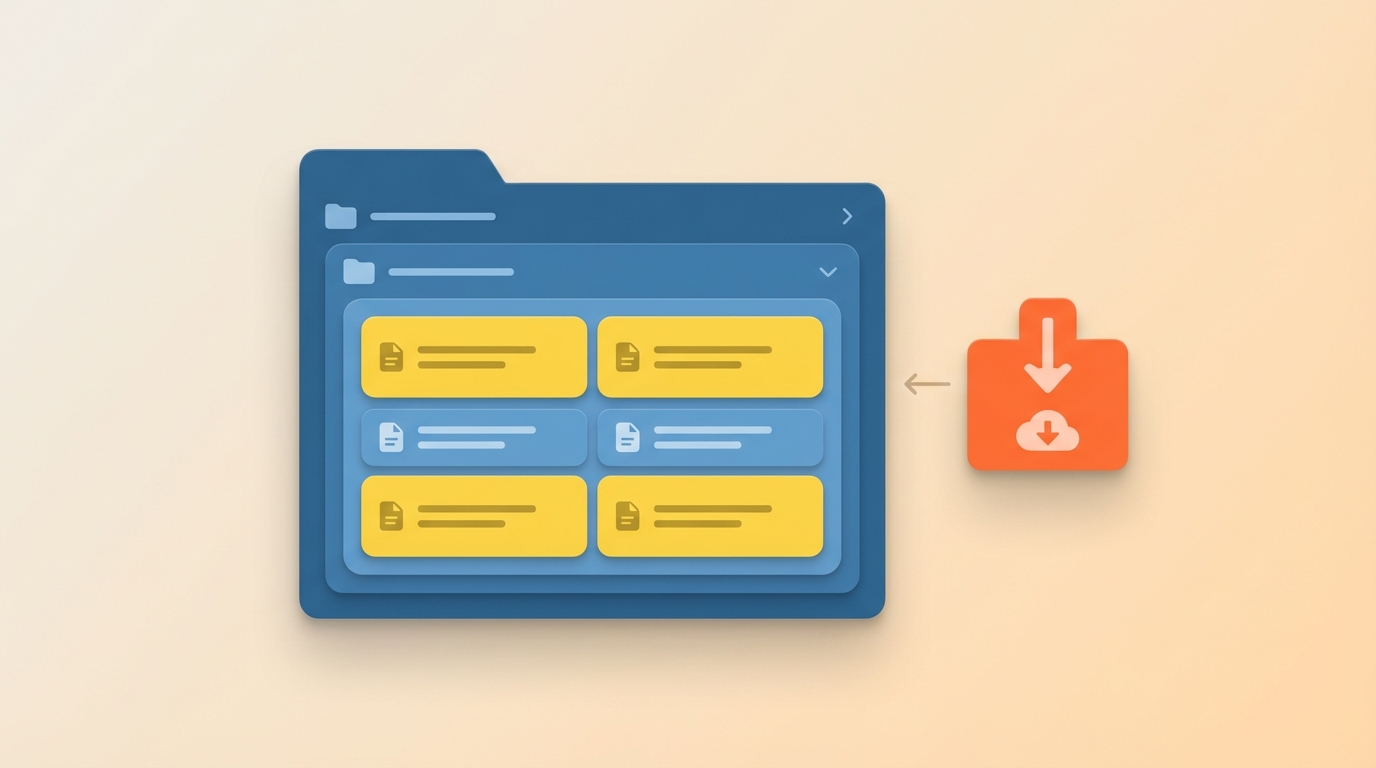
Packages vs Modules
A module is a single .py file. A package is a directory containing multiple modules plus a special __init__.py file that tells Python "this directory is a package."
Packages let you organize related modules into a hierarchy. Think of it like folders on your computer: modules are files, packages are folders.
Creating a Package
Let's organize our shape utilities into a proper package structure:
drawing/
├── __init__.py
├── shapes.py
└── colors.py
The __init__.py file can be empty, but it must exist. Here's what each file might contain:
# drawing/__init__.py
# Can be empty, or import commonly used items
from .shapes import draw_square, draw_triangle
# drawing/shapes.py
def draw_square(t, size):
    for _ in range(4):
        t.forward(size)
        t.right(90)

def draw_triangle(t, size):
    for _ in range(3):
        t.forward(size)
        t.right(120)
# drawing/colors.py
COLORS = ["red", "blue", "green", "yellow", "purple"]

def random_color():
    import random
    return random.choice(COLORS)
Using Your Package
From a file outside the drawing directory, you can import in several ways:
# Option 1: Import the package
import drawing
drawing.draw_square(t, 100)

# Option 2: Import a specific module
from drawing import shapes
shapes.draw_square(t, 100)

# Option 3: Import a specific function
from drawing.shapes import draw_square
draw_square(t, 100)
The first option works because our __init__.py imports draw_square. Without that import, you'd need to use drawing.shapes.draw_square().
Libraries and PyPI
A library is a collection of packages and modules that someone else wrote. Python's ecosystem has thousands of libraries for everything from web development to data science.
The Python Package Index (PyPI) at pypi.org hosts these libraries. You install them using pip, Python's package installer:
pip install requests
Once installed, import and use them like any module:
import requests
response = requests.get("https://api.github.com")
print(response.status_code)
Project: Shapes Package
Let's build a complete drawing package that organizes our Turtle shapes:
turtle_project/
├── drawing/
│   ├── __init__.py
│   ├── shapes.py
│   └── utils.py
└── main.py
# drawing/__init__.py
from .shapes import draw_square, draw_triangle, draw_polygon
from .utils import move_to
# drawing/shapes.py
def draw_square(t, size):
    for _ in range(4):
        t.forward(size)
        t.right(90)

def draw_triangle(t, size):
    for _ in range(3):
        t.forward(size)
        t.right(120)

def draw_polygon(t, sides, size):
    angle = 360 / sides
    for _ in range(sides):
        t.forward(size)
        t.right(angle)
# drawing/utils.py
def move_to(t, x, y):
    t.penup()
    t.goto(x, y)
    t.pendown()
# main.py
import turtle
from drawing import draw_square, draw_triangle, draw_polygon, move_to

t = turtle.Turtle()
t.speed(0)

draw_square(t, 50)
move_to(t, 100, 0)
draw_triangle(t, 50)
move_to(t, 200, 0)
draw_polygon(t, 6, 50)

turtle.done()
This structure keeps your code organized as projects grow. Each module handles one concern, and the package ties them together.
In the next unit, we'll explore Python's built-in standard library modules.